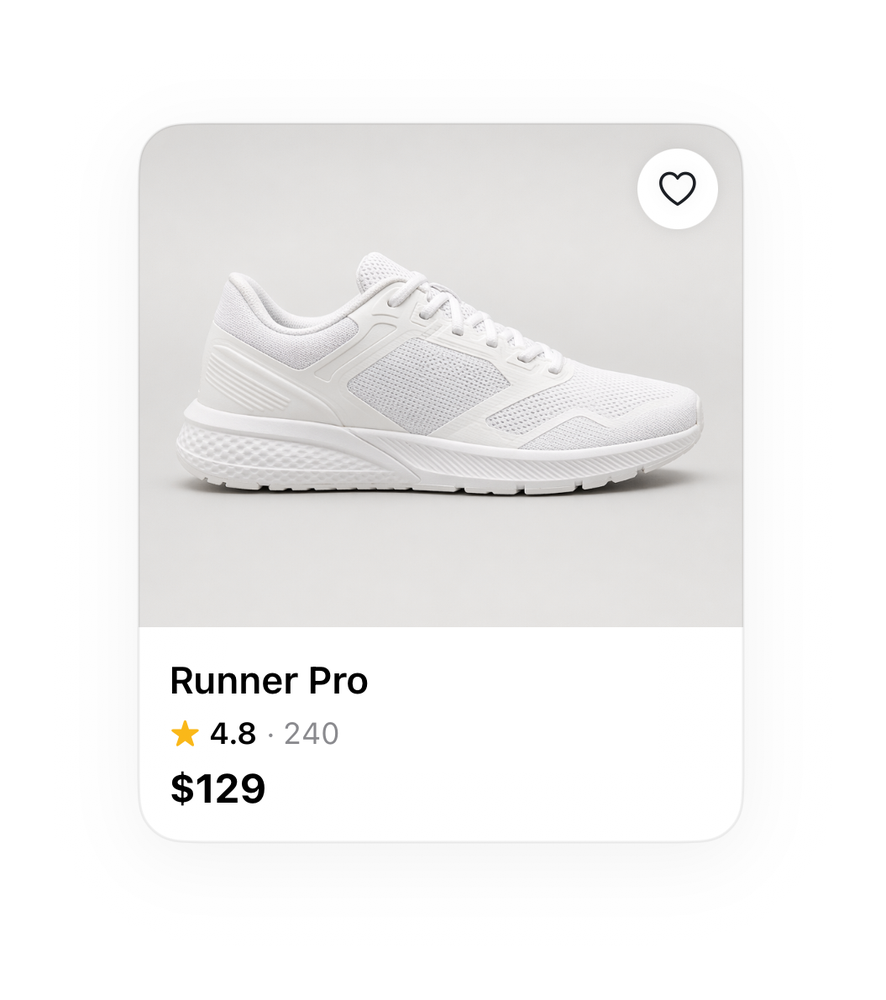


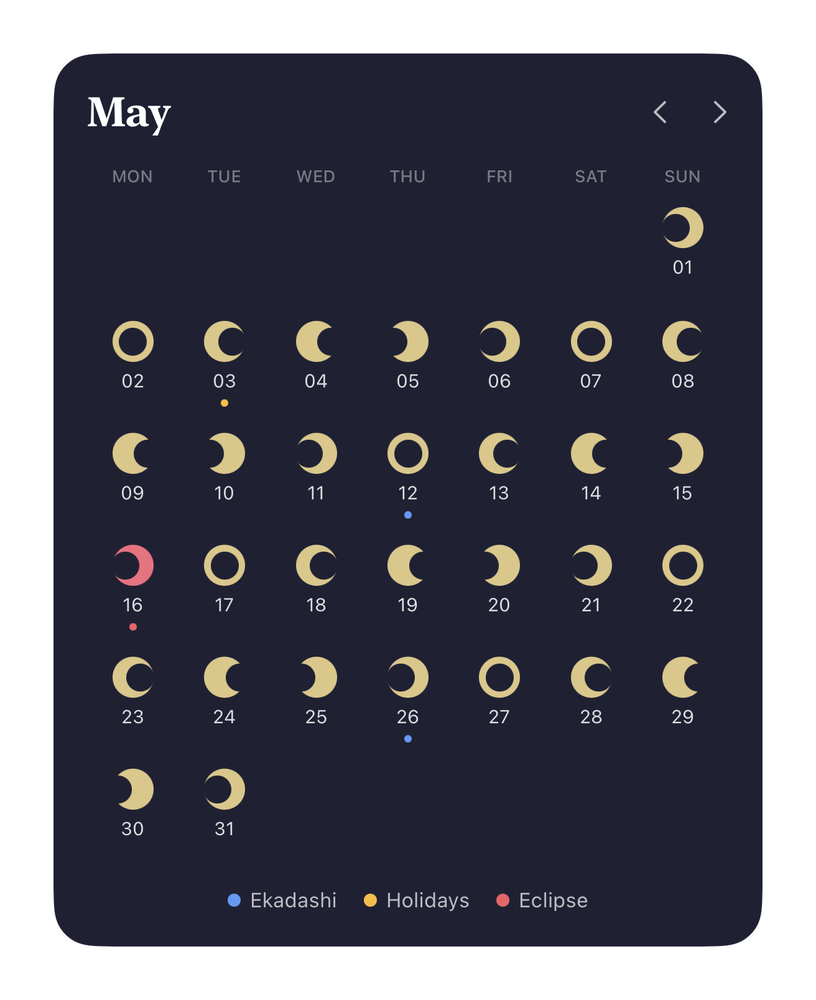
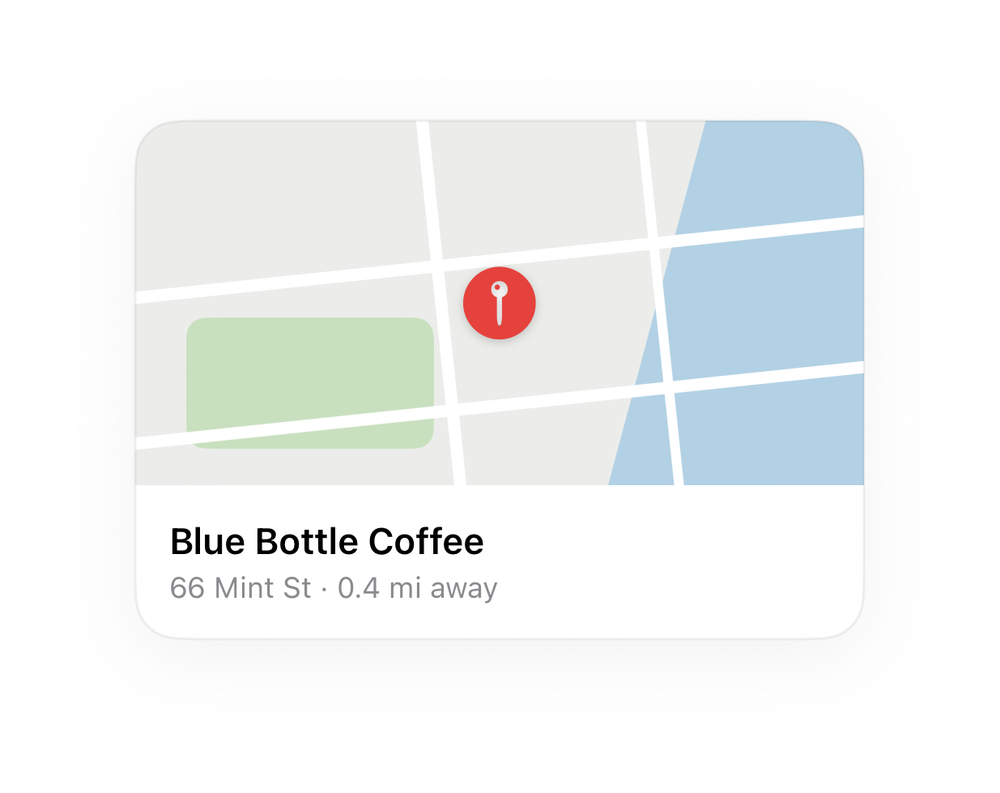
Ship an iPhone app that looks like Apple made it.
Real, compiled SwiftUI components - a live Simulator render next to the exact source. Copy one in and get precisely what you see.
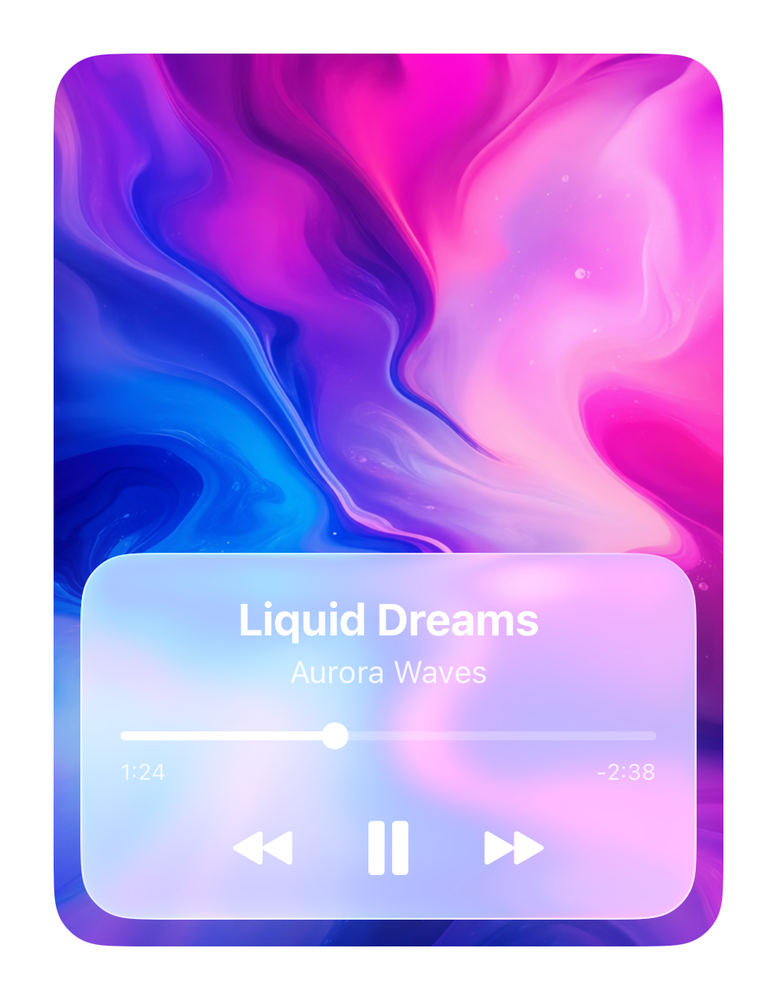


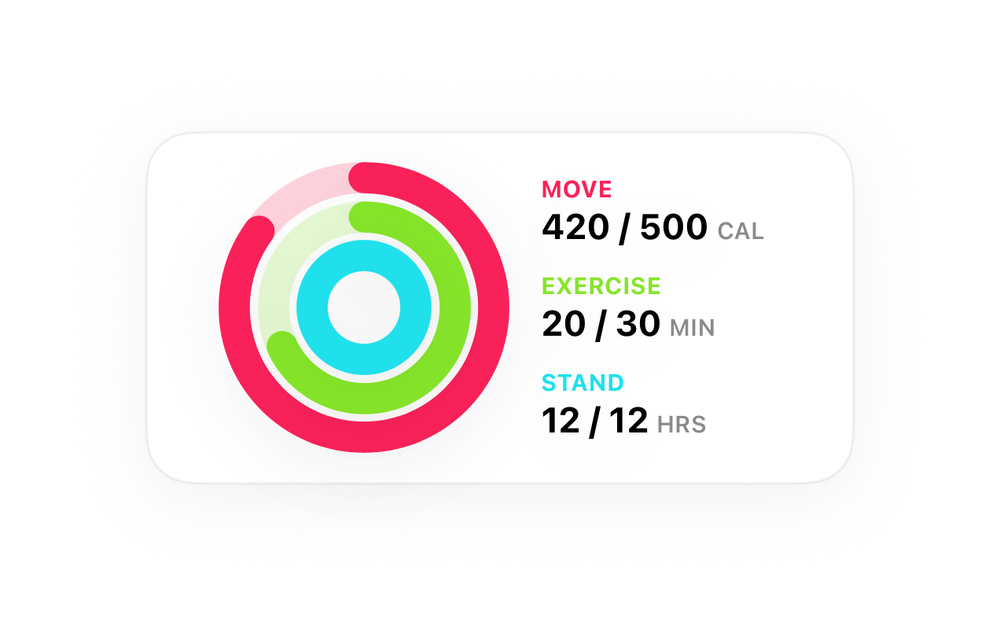

Real components, real code.
Every image is a live iOS Simulator screenshot. The code below it is the source that produced it - copy, paste, ship.


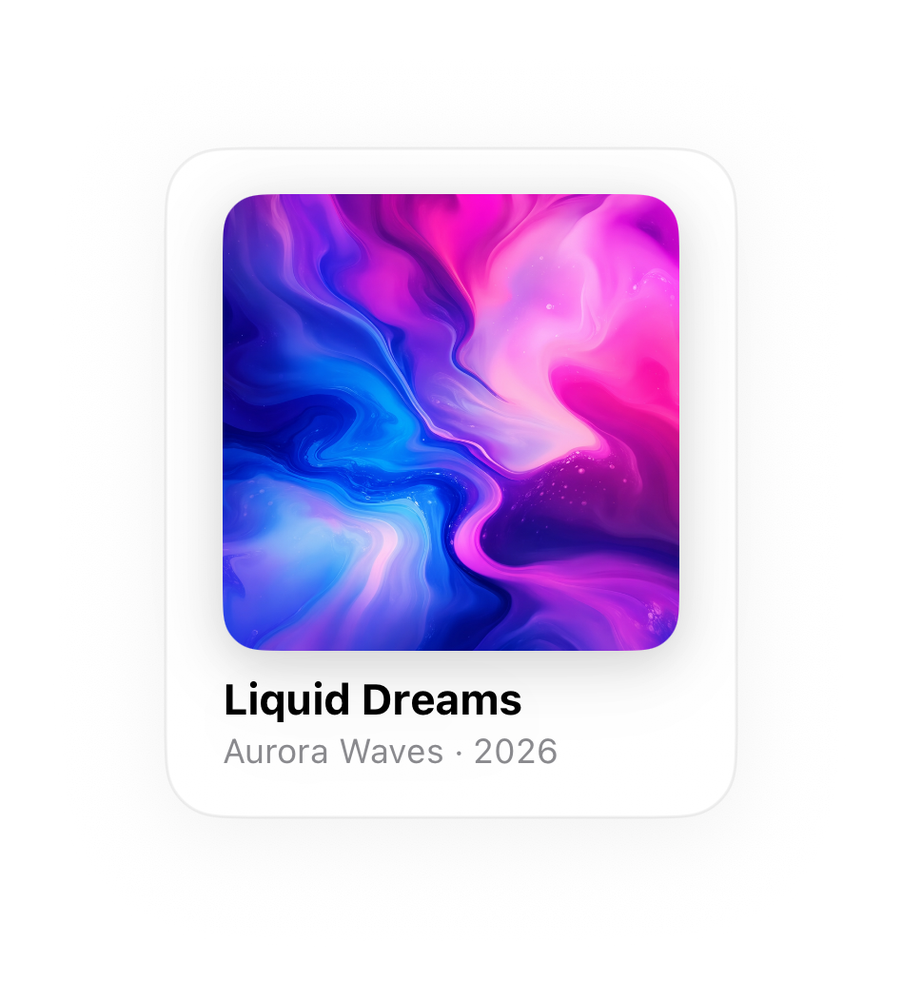
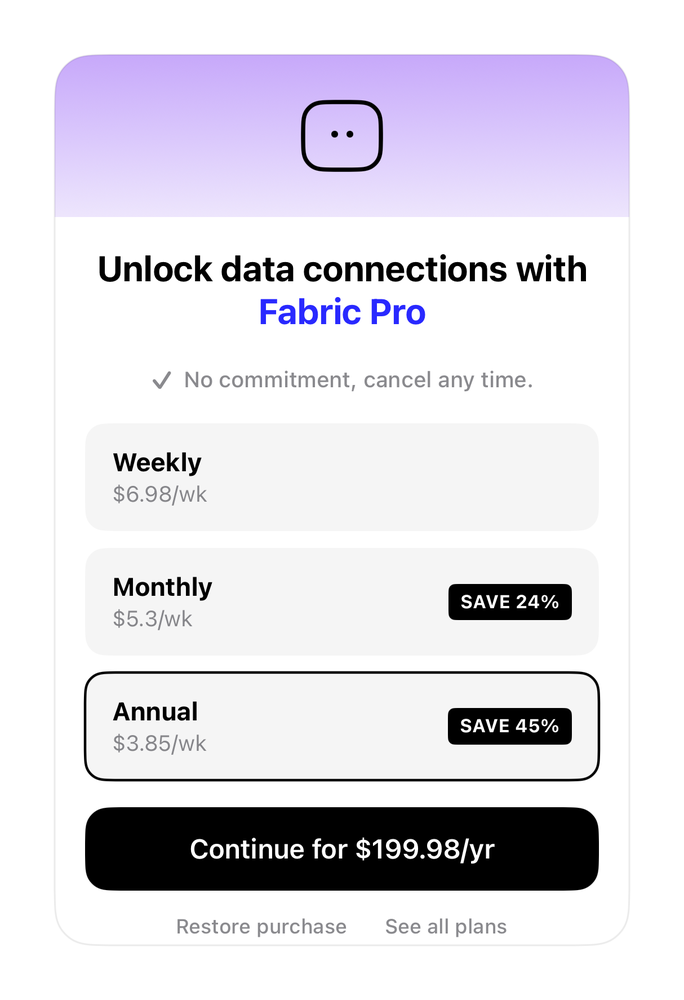
Your agent stops inventing UI.
Grab the exact SwiftUI for any component. It's self-contained - it carries its own helpers, so it drops straight into your project.
Point Claude Code or Cursor at the components. They compose from real, compiled UI instead of hallucinating layouts that don't match.
What renders in the catalog is what renders in your app - the code is the source of the screenshot, nothing faked in between.
Questions, answered.
What exactly do I get?+
Real SwiftUI source for every component. Each detail page shows the exact code that produced the image next to it. Copy it into your Xcode project and ship.
Do the components work with AI coding tools?+
They're built for them. Every component is self-contained SwiftUI - it carries its own helpers, so Claude Code or Cursor can drop it in and compose from UI that already compiles instead of inventing layouts.
Is this a dependency I have to keep updated?+
No. It's source code you copy into your project. Rename anything, ship it. No package manager, no version lock, no runtime.
Are these really compiled, not mockups?+
Yes. Every image is a live iOS Simulator screenshot of compiled SwiftUI, and every component is compile-checked on its own before it ships. What you see is what renders.
What iOS versions are supported?+
iOS 17 and up. Pure SwiftUI, no UIKit shims except where Apple leaves no choice.